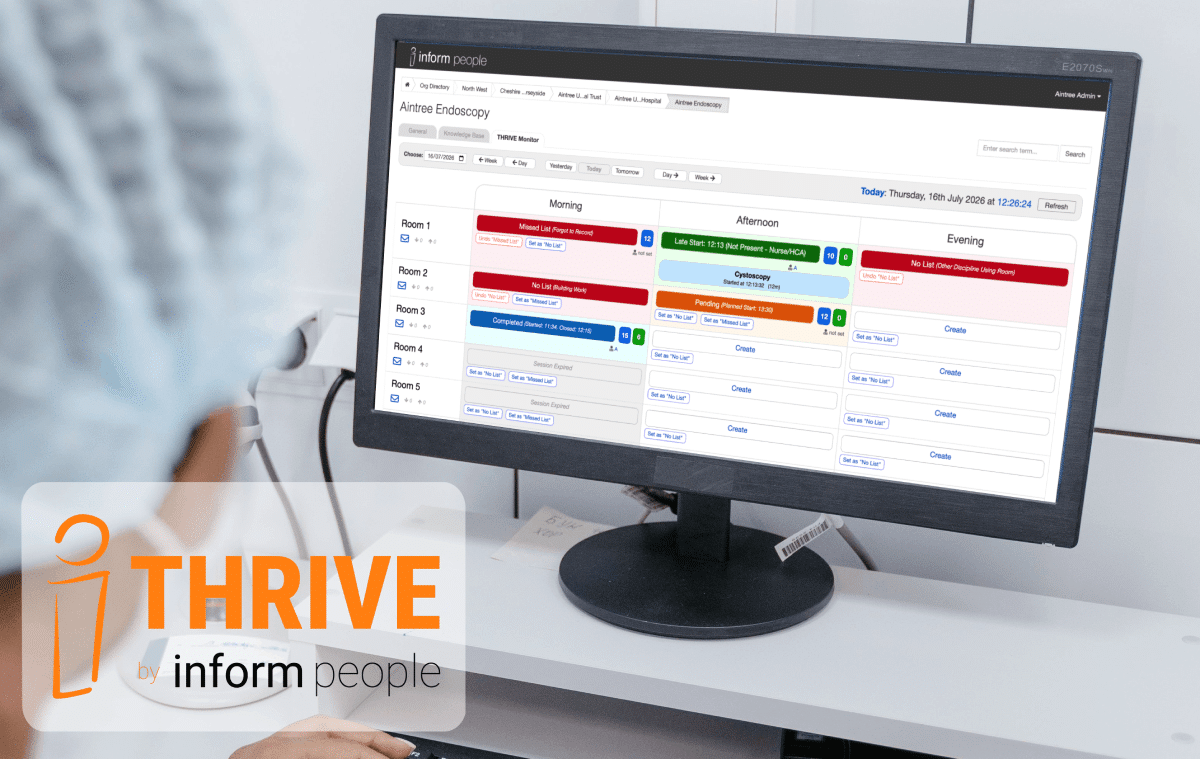
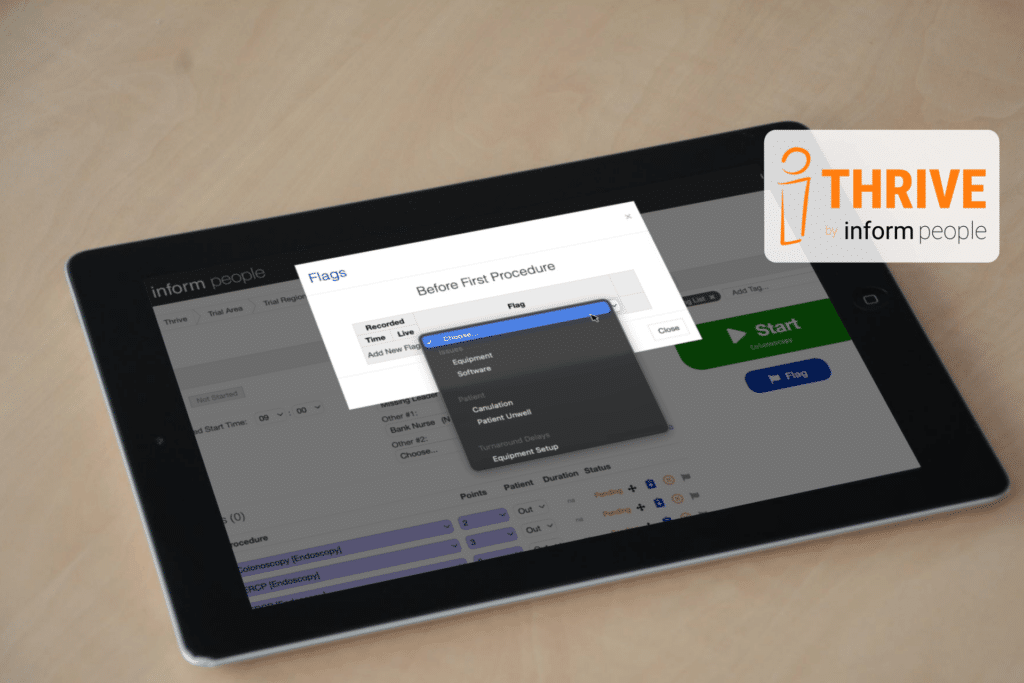
Why add another feature?
We are always looking to improve accuracy with the data collected in THRIVE and Flags provides a chance to target improvements as specifically as possible.
Flags have been designed as a fully optional feature that can be used (instead of the existing notes feature) to record interruptions during active lists in the quickest way possible. This will provide tracking over time to reveal trends and, eventually, changes made.
It is known that in-list interruptions have a huge impact on productivity; from general annoyance to the complications that cause a full list to stop. Flags give a voice to these interruptions. Using Flags, teams can actively note when interruptions happen and quantify the impact of these over time. This data allows for these issues to be addressed at the root and make significant in-list improvements.
Flags will only be introduced to teams who have been established with THRIVE for their full trial period and are confident with collecting their existing baseline data.
How it works: Setting Flags
Flags can be set against both turnaround times or procedures, allowing easy capture of any interruptions and delays.
While it is encouraged to do this live (as the list is in progress) THRIVE users can return and update Flags later, even after lists have been closed. We know that sometimes, the interruption that takes you away from the moment could be the reason it cannot be recorded immediately, therefore Flags remain editable after lists are closed.
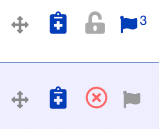
The Flag option appears as an icon next to each procedure in the list and when applied to a procedure, the Flag is highlighted in blue with the number of Flags too.
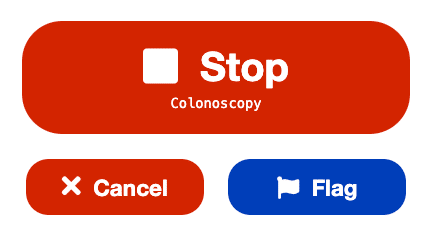
A shortcut button to Flag a procedure has also been added adjacent to the Start/Stop button.
How have you decided what Flags are available?
The list that has been added to the system has been created after extensive conversations with people already using THRIVE, though this does not mean it is a final list. We are always open to suggestions for relevant additions.
Flag lists are also sorted behind-the-scenes by a variety of factors to make each drop-down list as succinct as possible. These differences are sorted by discipline, unit, procedure types, and are even different based on whether it’s being added to a procedure or turnaround time.
Ideally the list of Flags available will be kept as short as possible to avoid usage becoming an admin burden. Flags should only be used for quantifying significant issues or things that are not being logged elsewhere.
E.g. Training procedures, Equipment Issues, No Patients Available etc.
How does this affect you, a THRIVE user?
This will have the biggest impact for Room Users, with the Flags being something new for them to click (but only when relevant).
After a while the data will start to reflect the reasons and the reality of what is happening to interrupt procedures and turnaround times. That’s when our custom reports will kick in and we can start to highlight impacts.
Flags is now Live on THRIVE but for most departments it is still ‘turned off’ and will only be activated after in-person training and engagement with units to understand how it will work for you.
The plan is to roll out Flags on a site-by-site basis, so if you’re interested and haven’t got in touch with us about activating flags for your hospital then now is your chance.
Email us at info@informpeople.com or contact your existing main THRIVE contact, and we’ll schedule in a call.